Rookie Mistakes II - Scene Switch Lighting
Lighting in Scenes is not Consistent between builds and editor/playmode.
I started building out my game scene, it was always well lit when I hit the play mode button to test it out.
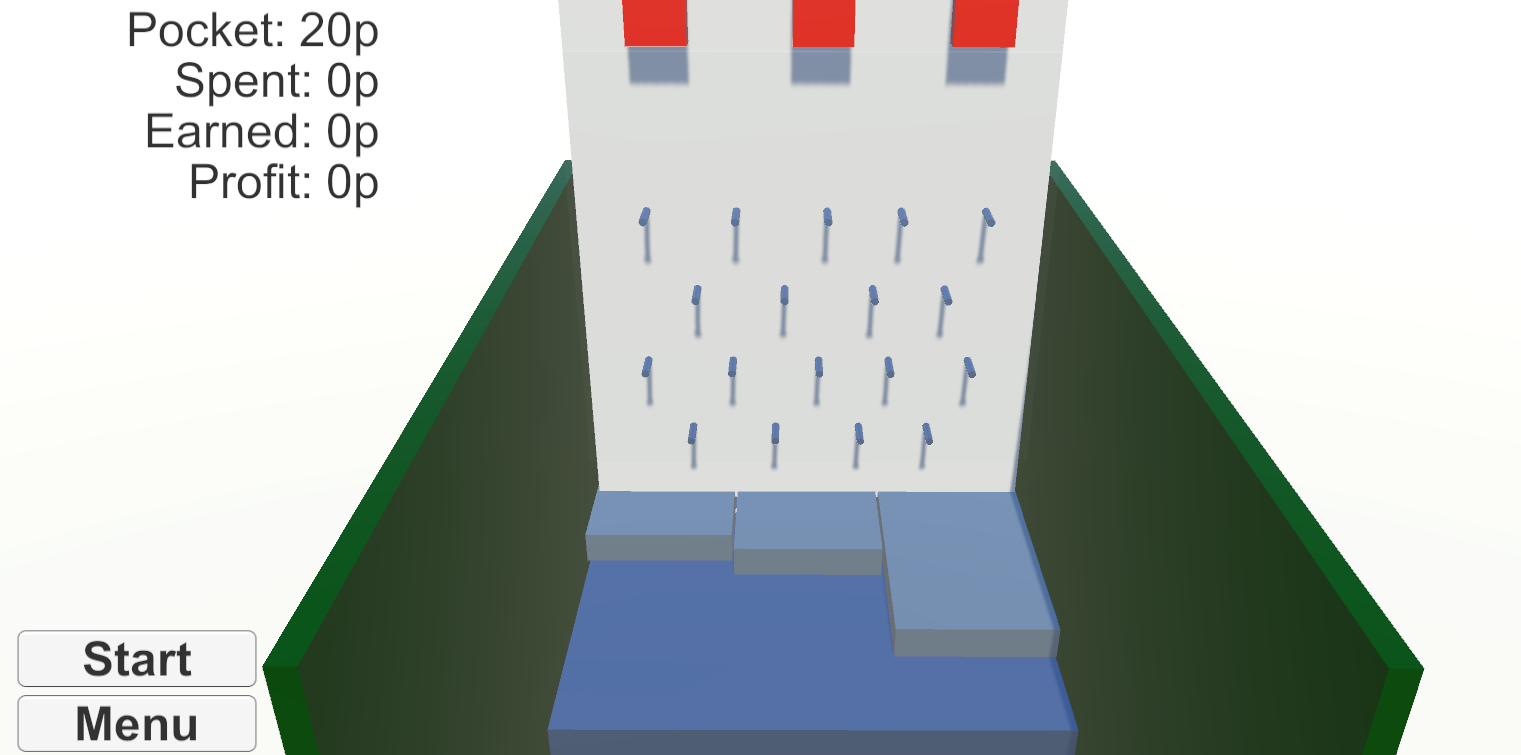
Then created a new scene for my Main Menu. I added some buttons, when you click one the scene switches to my game scene, it’s clear something is wrong!
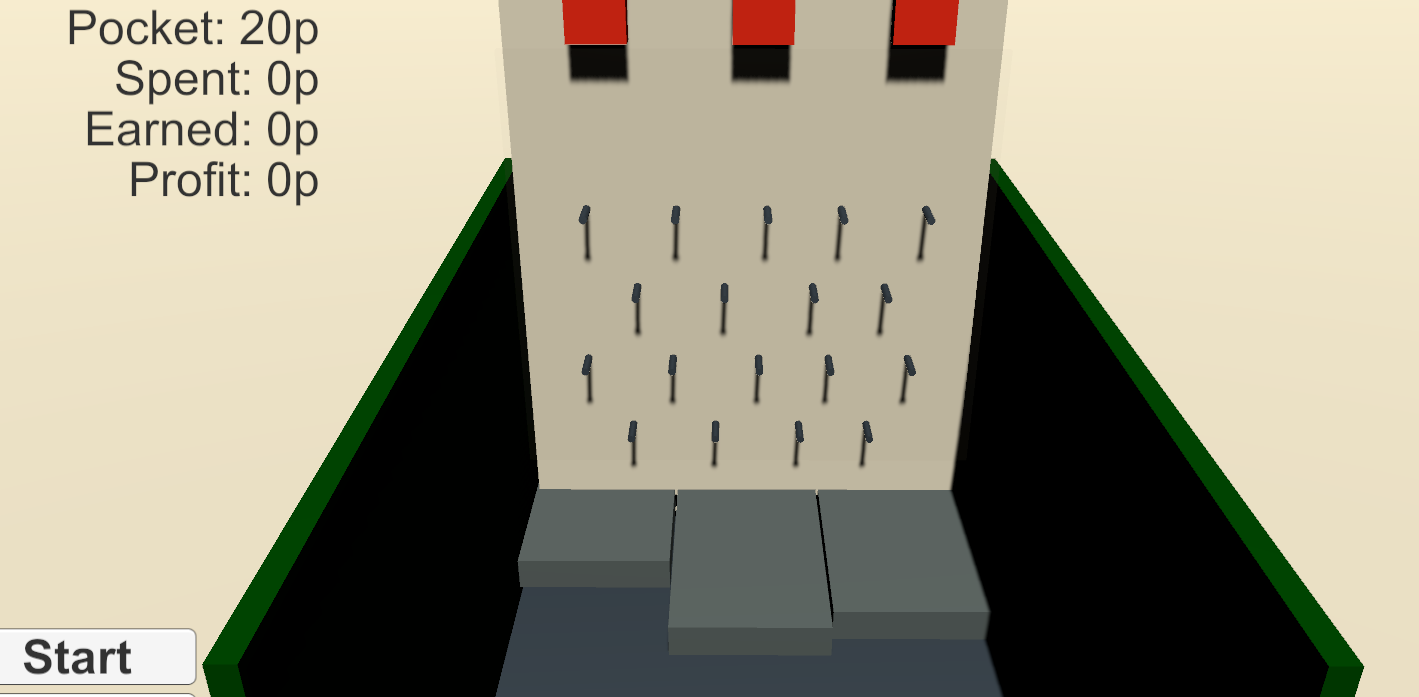
Hunting the internet I found a result on Unity Answers. Bullet points are added by me for clarity.
Explanation from Zitoox:
- When you select a scene, Unity will automatically bake all the lights and render things.
- BUT when you open a scene while playing the game in the editor, Unity will NOT bake the lights,render them, fix the effects and all, and this causes everything to stay dark.
- This only happens in the editor. If you build your game, you will see that this will not happen.
And a fix from Arwym:
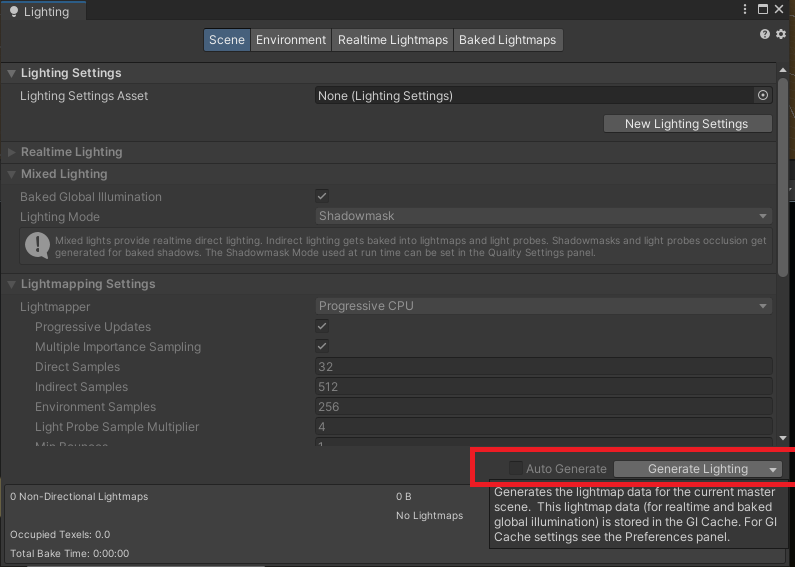
- go to Window -> Lighting. In that Window, look for the “Debug Settings”.
- Untick the “Auto Generate” checkbox and hit the “Generate Lighting” button beside it.
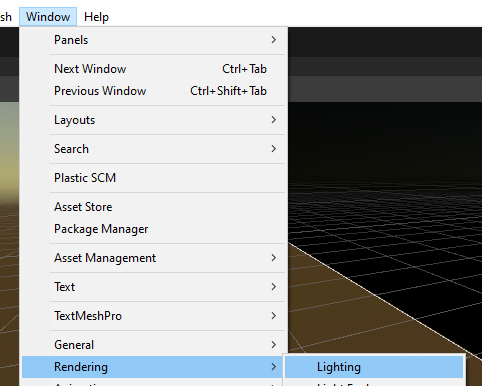
In my version of Unity I needed to go via Window > Rendering > Lighting:
And then click the Generate button: